
If you open the FileCap MacOS app you will see the following home screen:

Sending files – Standard Transfer
When selecting Standard Transfer you need to enter all recipients:
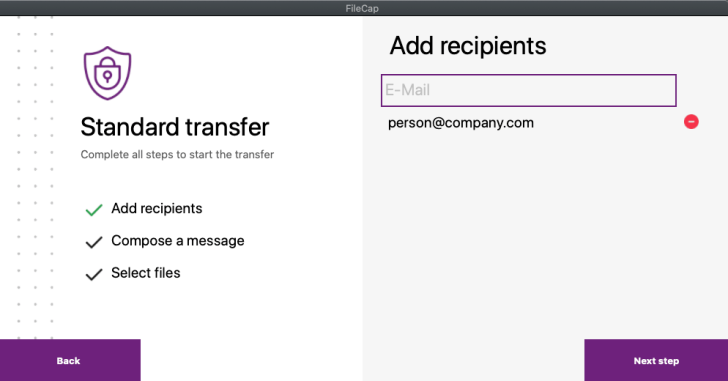
When you click Next Step you can enter a Subject and Message:
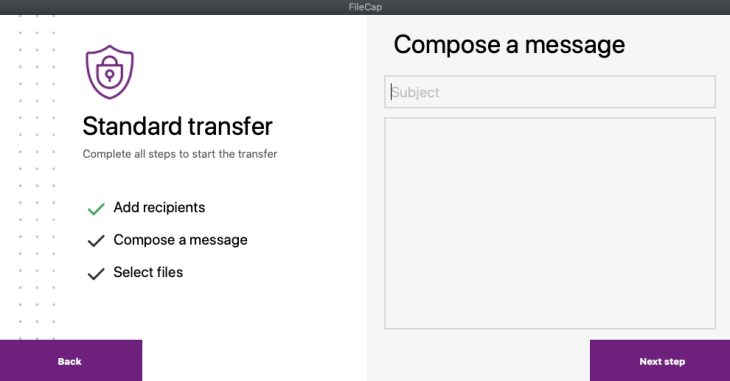
In the next step you can enter multiple files:
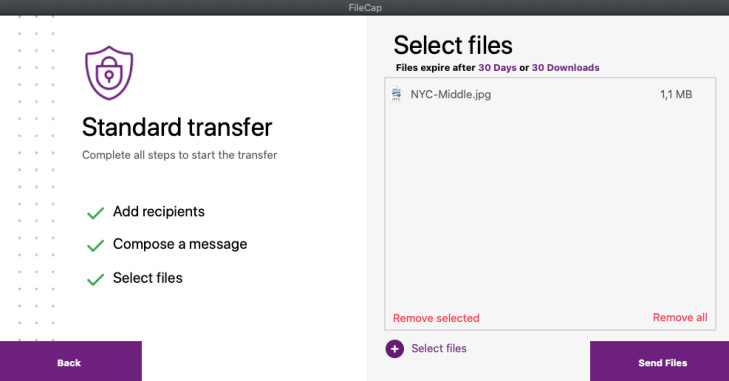
When you click Send files all the files will be send with FileCap.
Sending files – Secure Transfer
When you select secure transfer, you need to enter a password or enable SMS Authentication:

When selecting next step you need to enter all recipients:
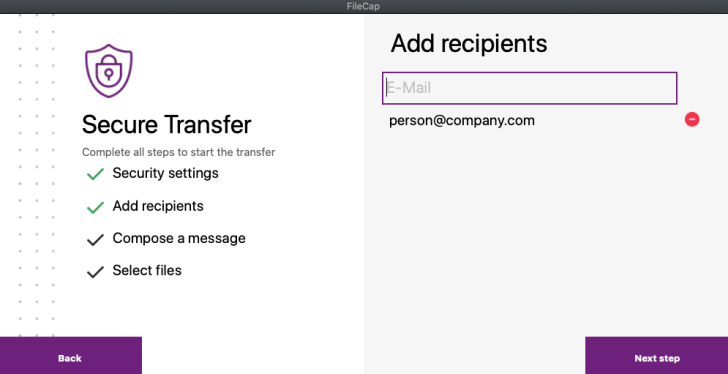
When you click Next Step you can enter a Subject and Message:
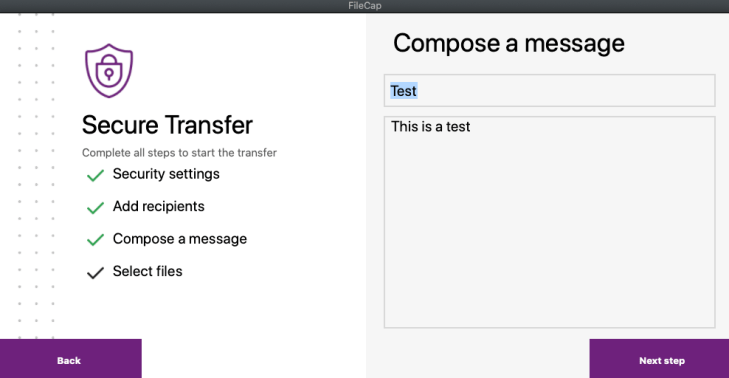
In the next step you can enter multiple files:

When you click Send files all the files will be send with FileCap and protected by a password or SMS token.
Sending invites
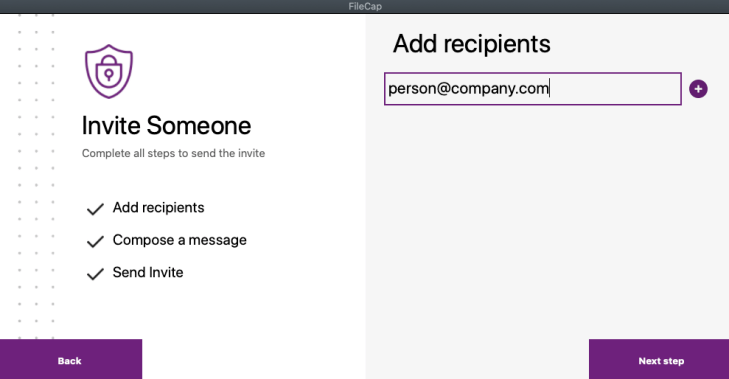
To send an invite select “Invite someone” and enter an email address of the person you want to send an invite to:
In the next step you can enter a message and subject:
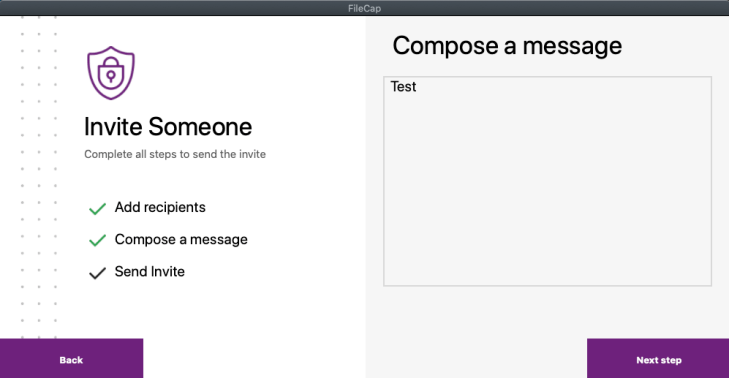
Then press “Next step” to send the invite.
 FileCap
You must be logged in to post a comment.