
- Navigate to the Home tab and select Add-ins.

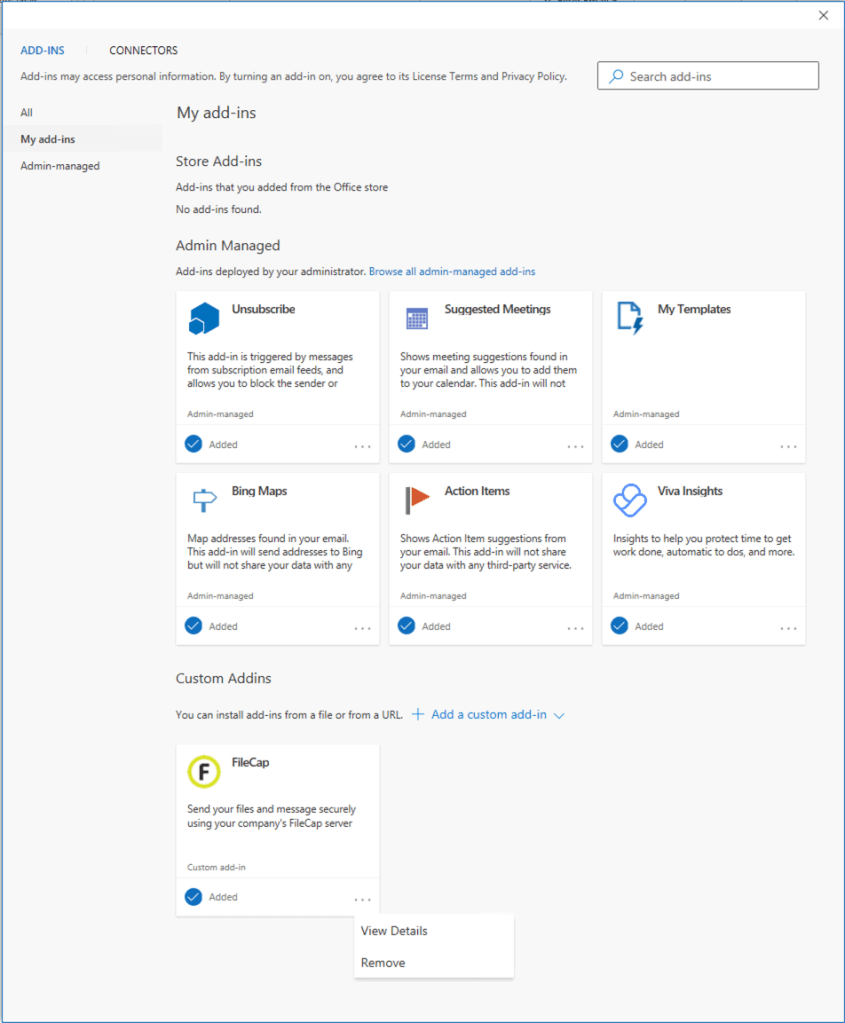
- In the Office Add-ins dialog, select My Add-ins tab.
- Click on the 3 dots followed by clicking on “Remove” at FileCap to remove FileCap
Note: For Admin-Managed Add-ins: If the add-in is under administrative management, please reach out to your IT provider for assistance in disabling or removing the add-in.
 FileCap
You must be logged in to post a comment.